
St. Xavier's High School
Class 10th - Section B | Academic Session 2026-27
School Timetable Maker – Create and Print Class Schedules
Creating a well-organized school timetable helps students, teachers, and schools manage their daily activities efficiently. With the Timeslotify School Timetable Maker, you can create a class timetable online in just a few simple steps.
Whether you need a blank school timetable to fill in manually or a customized class schedule with subjects and periods, Timeslotify makes the process simple. Create your timetable, customize its appearance, and download or print it for everyday use.
How to Create a School Timetable Online
Follow these simple steps to make your class timetable:
-
1
Enter School Details: Add your school or college name and class or section.
-
2
Set Your School Hours: Choose working days, first bell, final bell, and period duration.
-
3
Customize Your Timetable: Select a layout, font, and header colour. You can also upload your school logo.
-
4
Download or Print: Generate your timetable and download it as a PDF or print it directly.
Create a Blank or Customized Class Timetable
Different schools and students have different timetable requirements. Timeslotify supports two convenient ways to create a school timetable:
Blank Printable Timetable
Generate an empty timetable with your selected days and periods. Download or print it and write the subjects, teachers, and classroom details by hand.
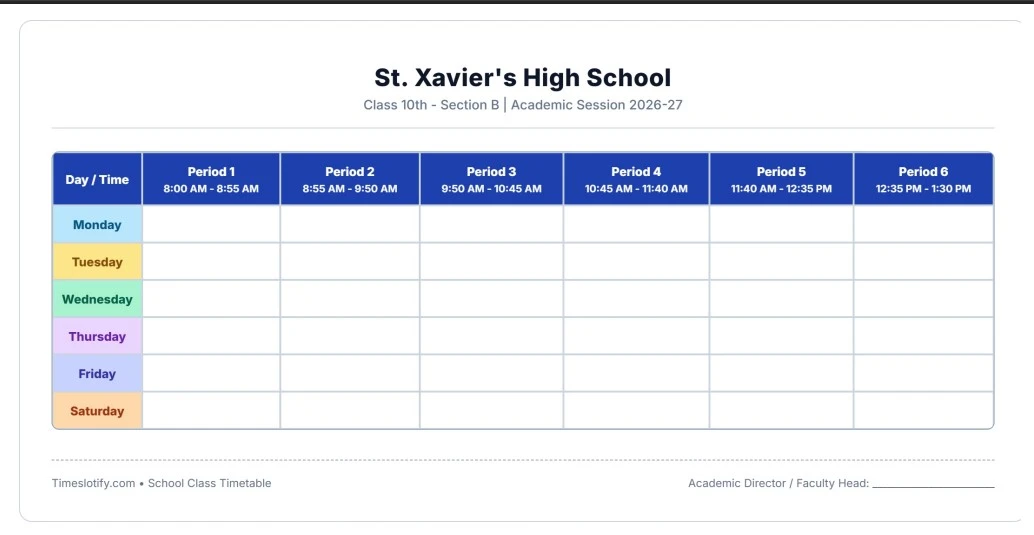
Customized School Timetable
Enter subjects and other class details online to create a personalized timetable. Once it is ready, download or print your completed schedule.
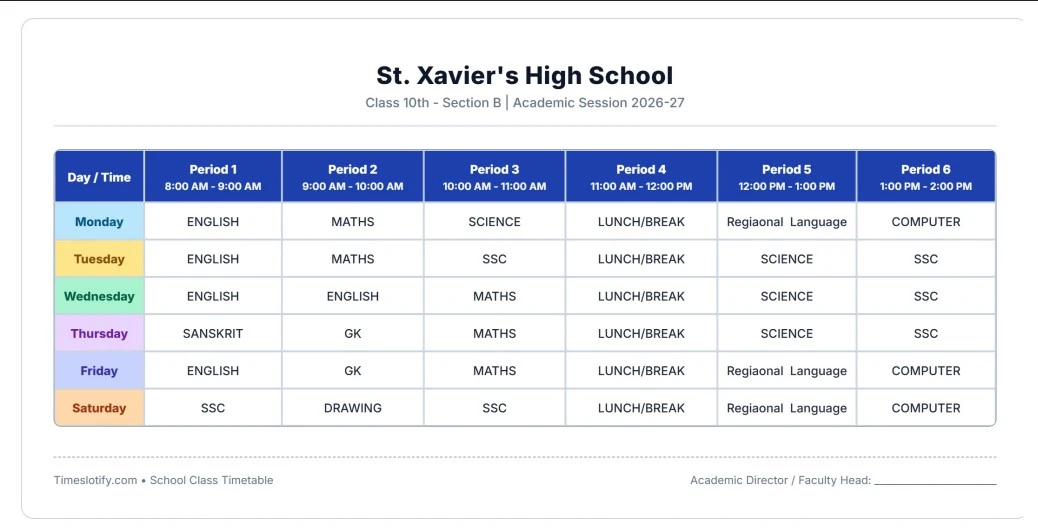
Features of the School Timetable Generator
- Create school and college class schedules online.
- Set your own working days (5-day or 6-day routines).
- Customize the first bell and final bell timings.
- Choose the duration of each period.
- Add your school name and class or section.
- Customize the timetable layout, font, and header colour.
- Upload a school logo.
- Download your timetable as a PDF.
- Print your timetable for classroom or personal use.
Tips for Making a Better School Timetable
A good school timetable should balance academic subjects, breaks, and other activities:
- Schedule difficult subjects when students are more attentive.
- Avoid placing too many demanding subjects back-to-back.
- Include suitable breaks between classes.
- Distribute subjects evenly throughout the week.
- Keep sufficient time for practical classes and extracurricular activities.
- Make sure the timetable is easy to read when printed.